

If you have a GO2Bank account, you may be eligible for a $5 account credit. Right now, you can treat yourself to a $5 credit with these easy steps. Here’s how:
-
Open the Go2Bank banking app
-
Select “Move Money” on the navigation menu located at the bottom of the page
-
Select Cash a check
-
Enter promo code GO2get5
-
You’ll receive a $5 credit once the transaction is approved.
You must have an account for this promotion. Click here to sign up & learn how you can get a $50 welcome bonus & get your tax refund up to 5 days early!
All checks subject to review for approval and fees may apply. Click here for terms & conditions.

These Crocs Classic Cozy Slippers Are Basically a Hug for Your Feet
Okay, Crocs did their thing with these! 😍 I’ve been wearing the Crocs Classic Cozy Slippers, and they are seriously SO comfortable. They have that soft, fluffy feel that makes you want to keep them on all day. See them all here I grabbed mine in this gorgeous neutral shade because it goes with everything, […]
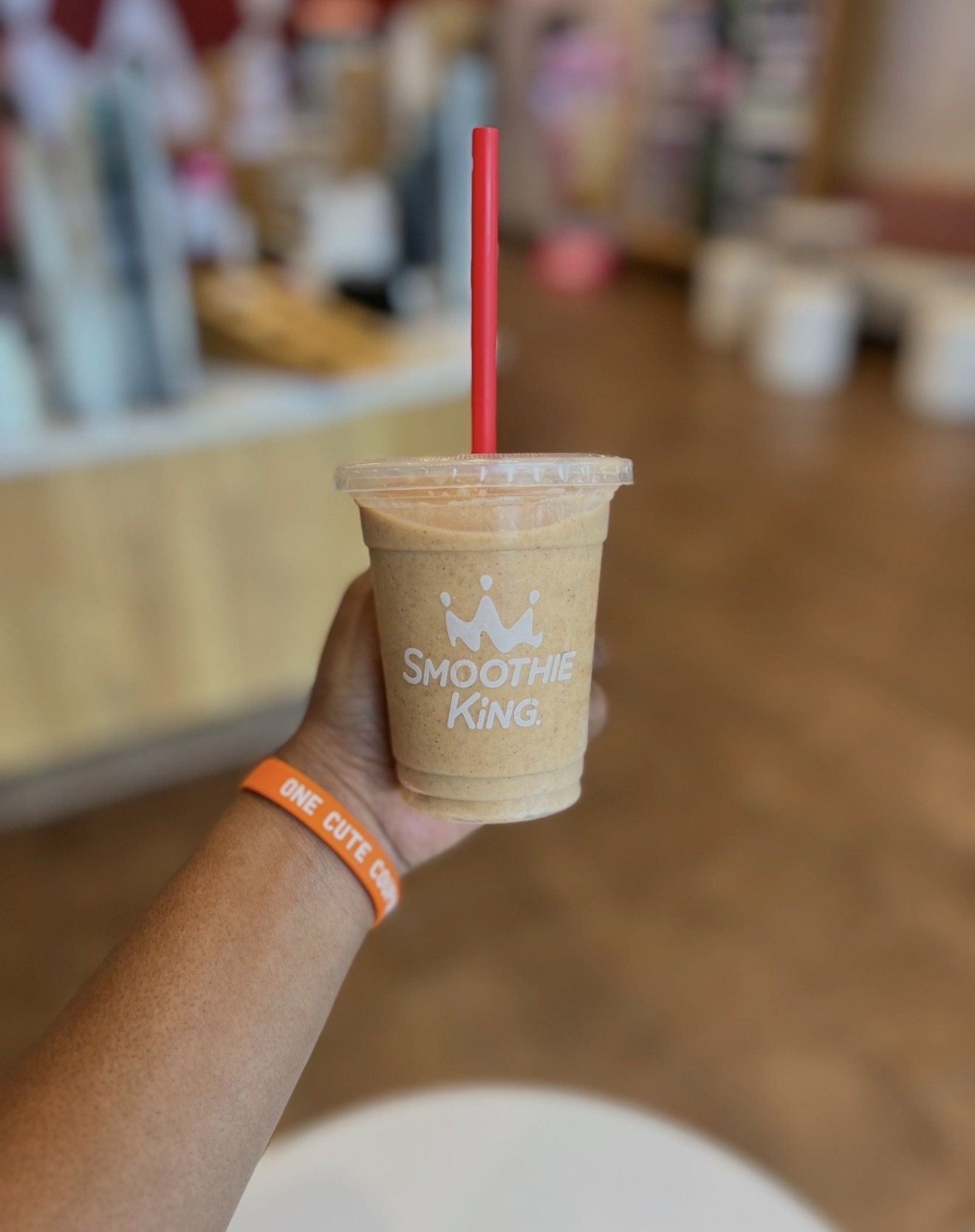
FREE SMOOTHIE SAMPLE ALERT! 🎃🥤
Tomorrow, August 27th, 2026 Smoothie King Healthy Rewards members can stop by participating locations for a FREE Pumpkin D-Lite smoothie sample while supplies last! I got the sample last year and it was the size that you see in the picture below. I don’t know if they’ll have the same size this year but last […]
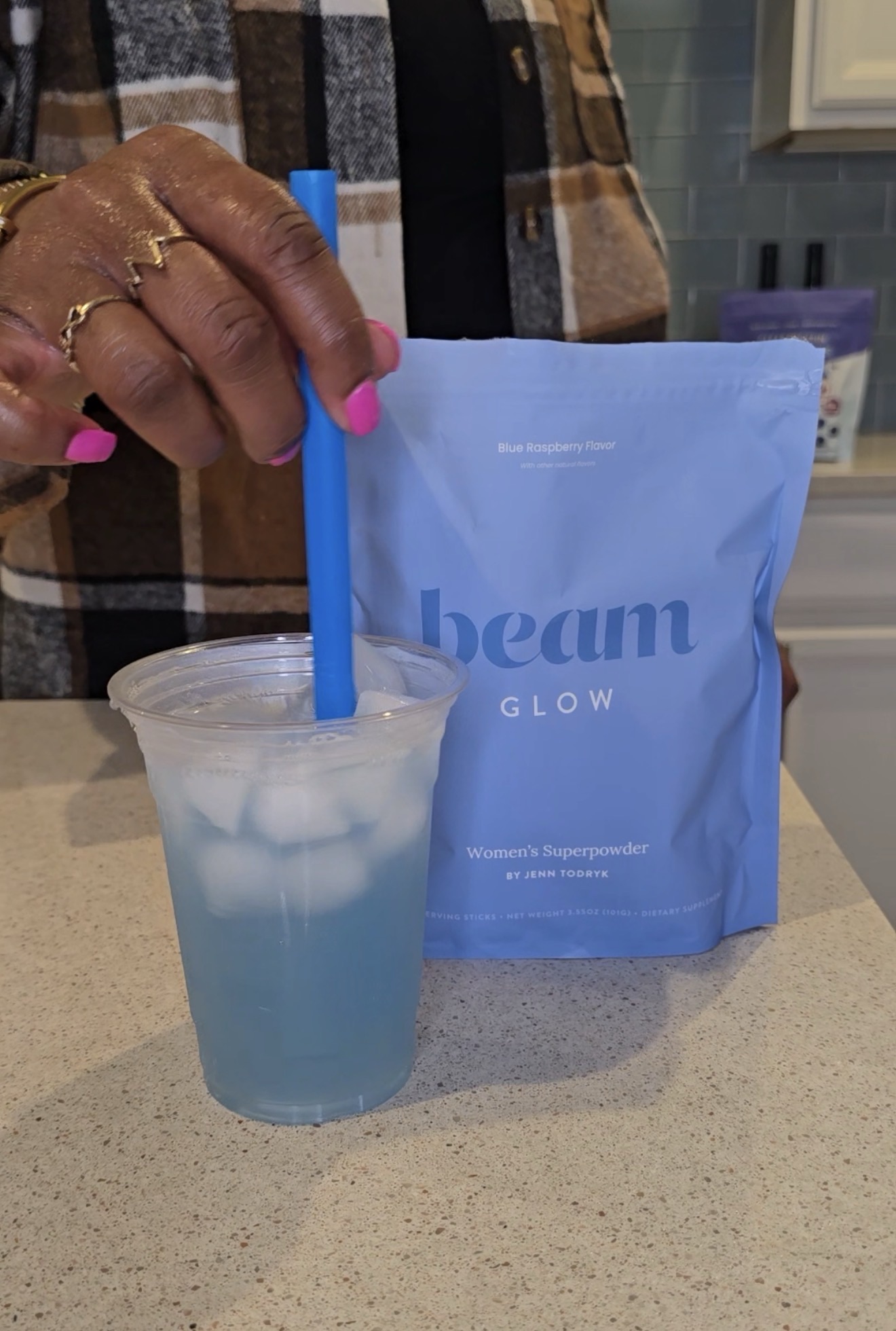
I Tried Beam Glow in Blue Raspberry Here’s What I Think
I finally tried Beam Glow Women’s Superpowder in Blue Raspberry, and this one has been such a fun addition to my routine. First of all, I love that it comes in individual sticks, so there’s no measuring or scooping. I just pour one into my water, mix it up with ice, and I’m good to […]
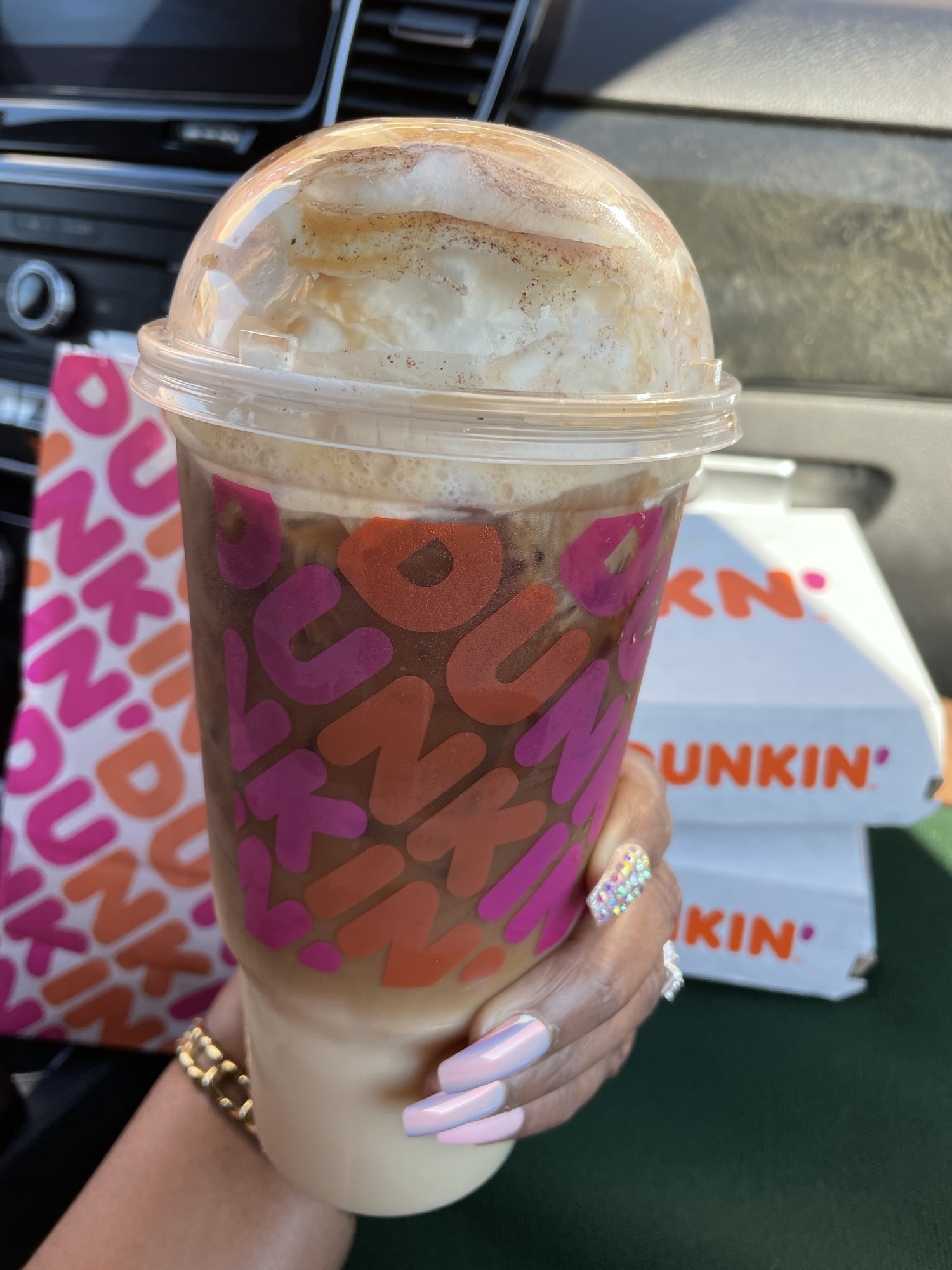
Dunkin Is Giving Away 1 Million FREE Drinks Today Here’s How to Get One!
FREE Dunkin’ alert! ☕️🚨 Dunkin’ is giving away 1 MILLION FREE drinks today, August 25, and the code is officially live! The promo code is: EASYCHOICE This offer is available to the first 1 million Dunkin’ Rewards members who successfully claim it, so I would not wait around on this one. How to Claim Your […]




 '
'